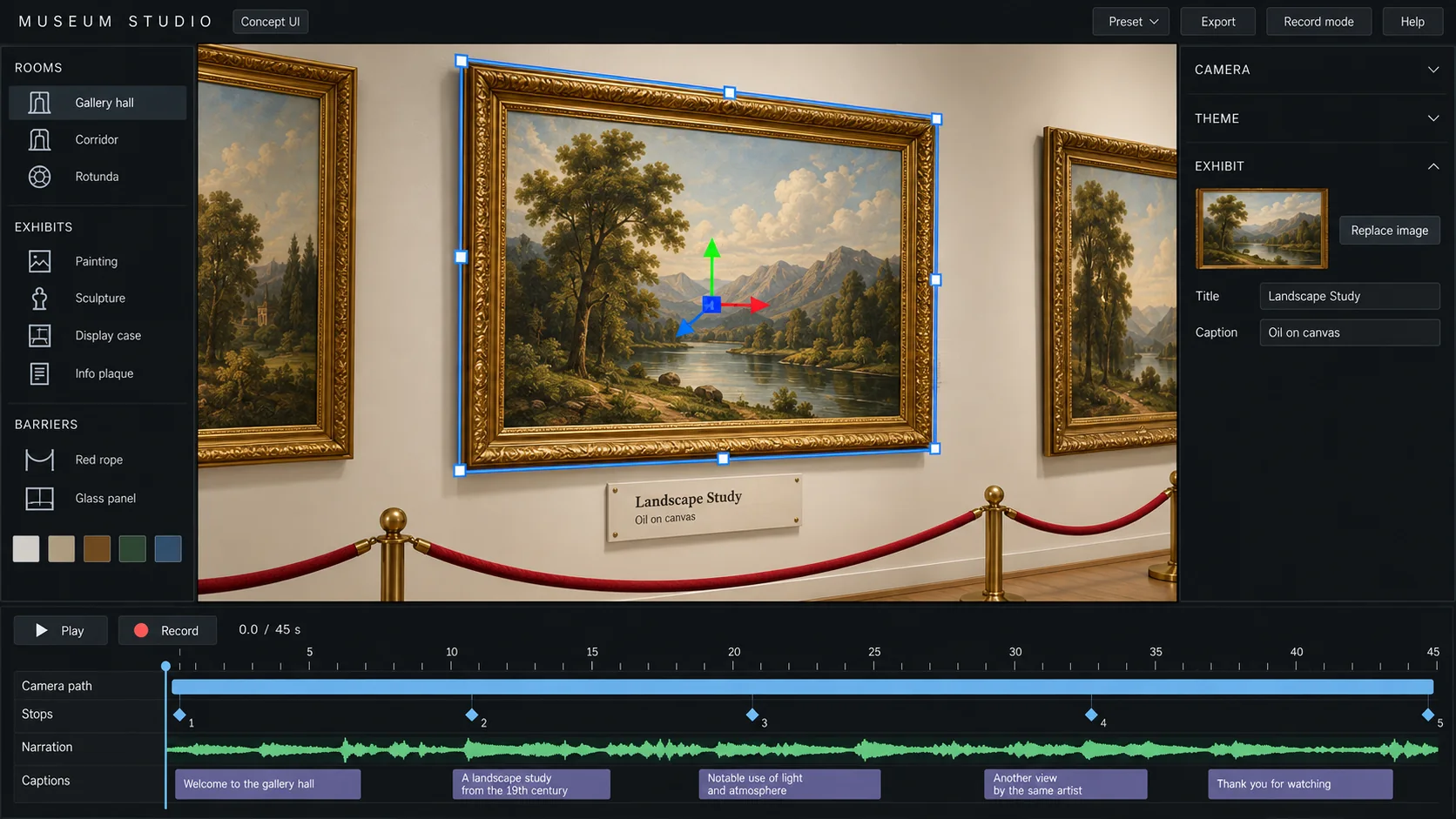
YOUR IMAGES
Your images. Your story.
Every frame in the gallery holds what you choose.
- Place your own images in any frame
- Add a title and a caption to each work
- The plaque on the wall updates with your text
Feni Studio · Browser-based video studio
Feni Studio is a browser-based video studio. Pick a ready-made set, place curated visuals from the library and build every scene around your script, with AI-assisted planning and every creative decision in your hands.
01Featured set
A gallery your story walks through. Place your own images in frames, add titles and captions, and let the camera stop at each work as your narration reaches it.
YOUR IMAGES
Every frame in the gallery holds what you choose.
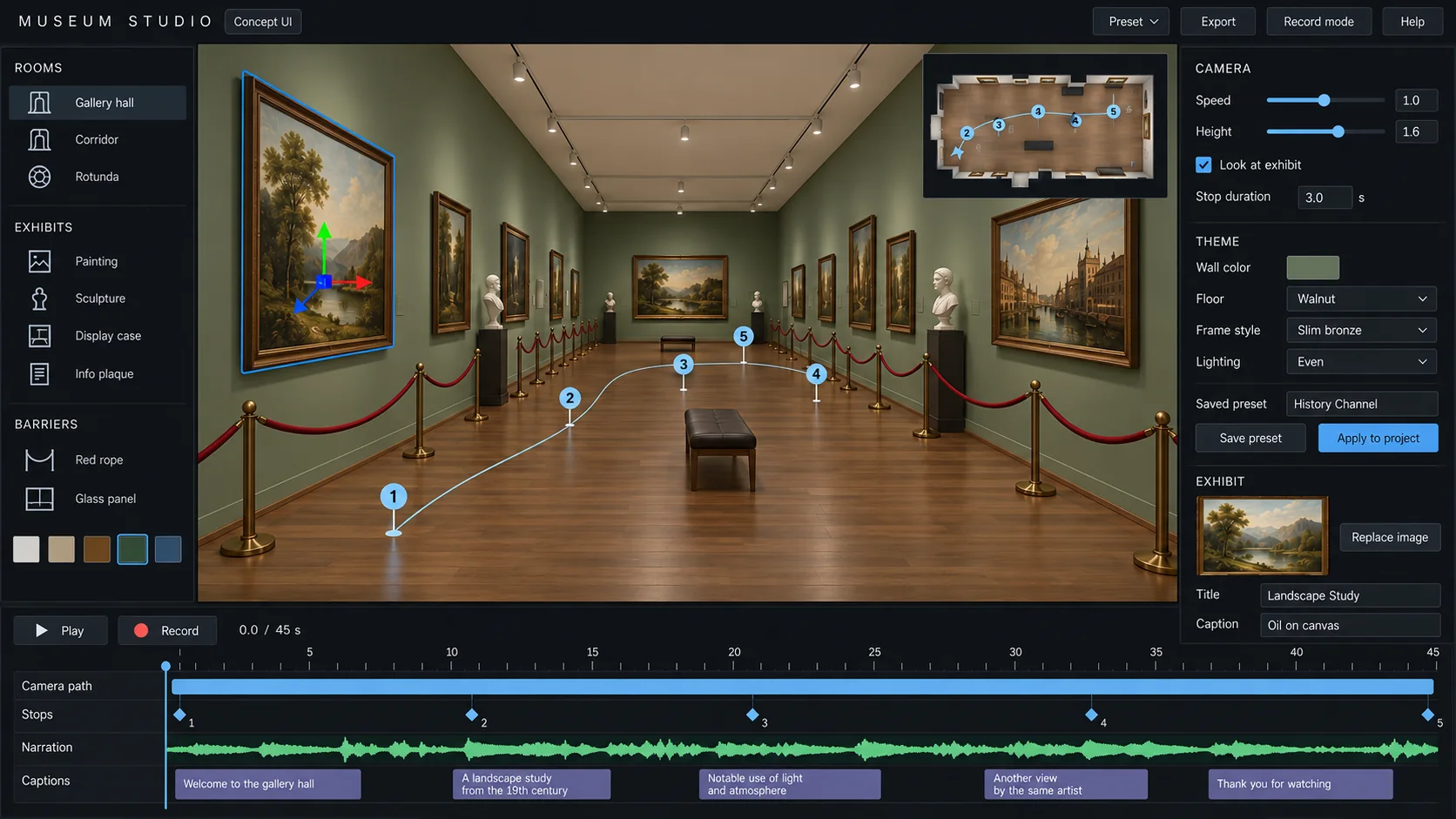
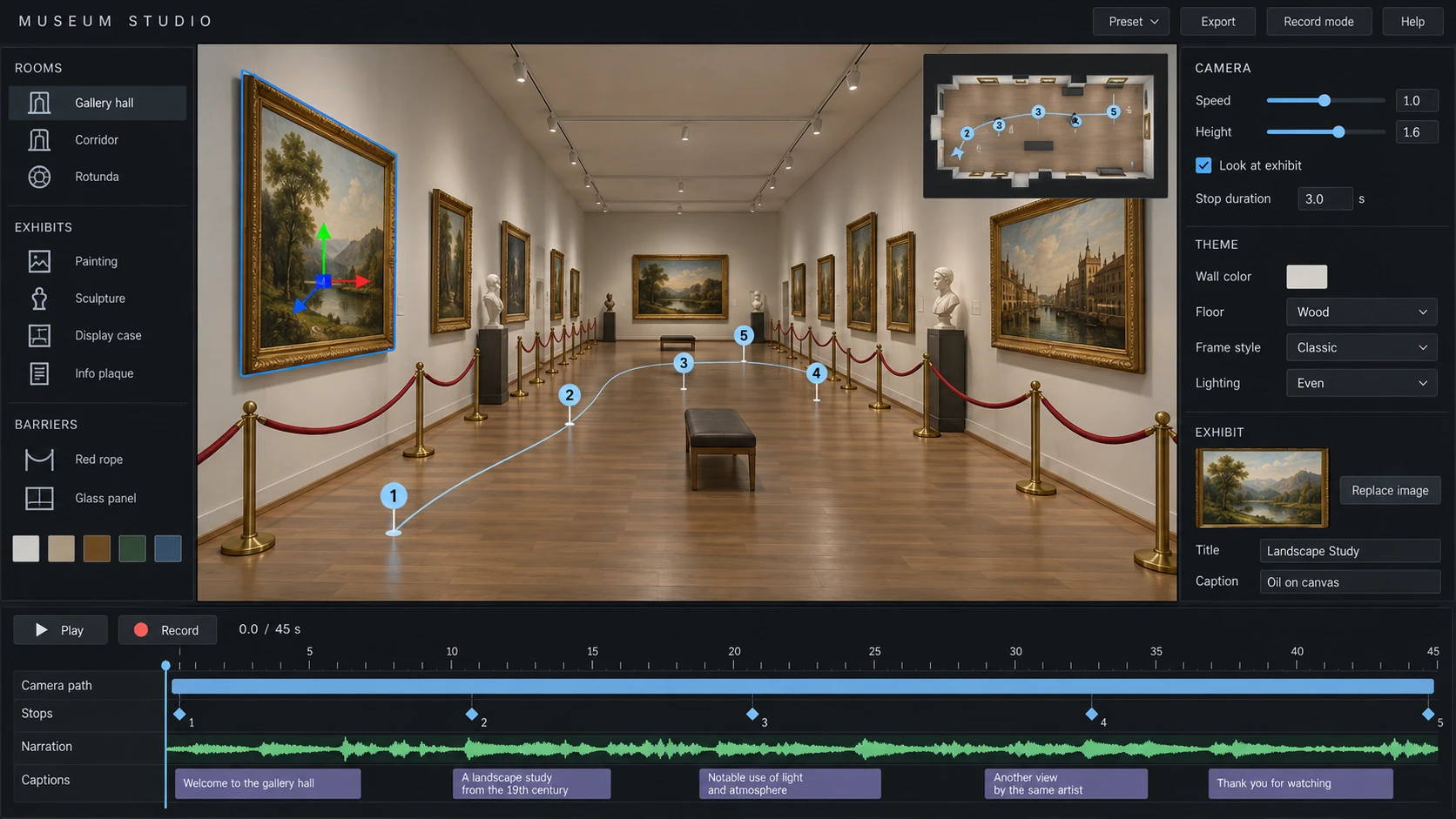
YOUR LOOK
Change how the gallery looks, then keep that look.
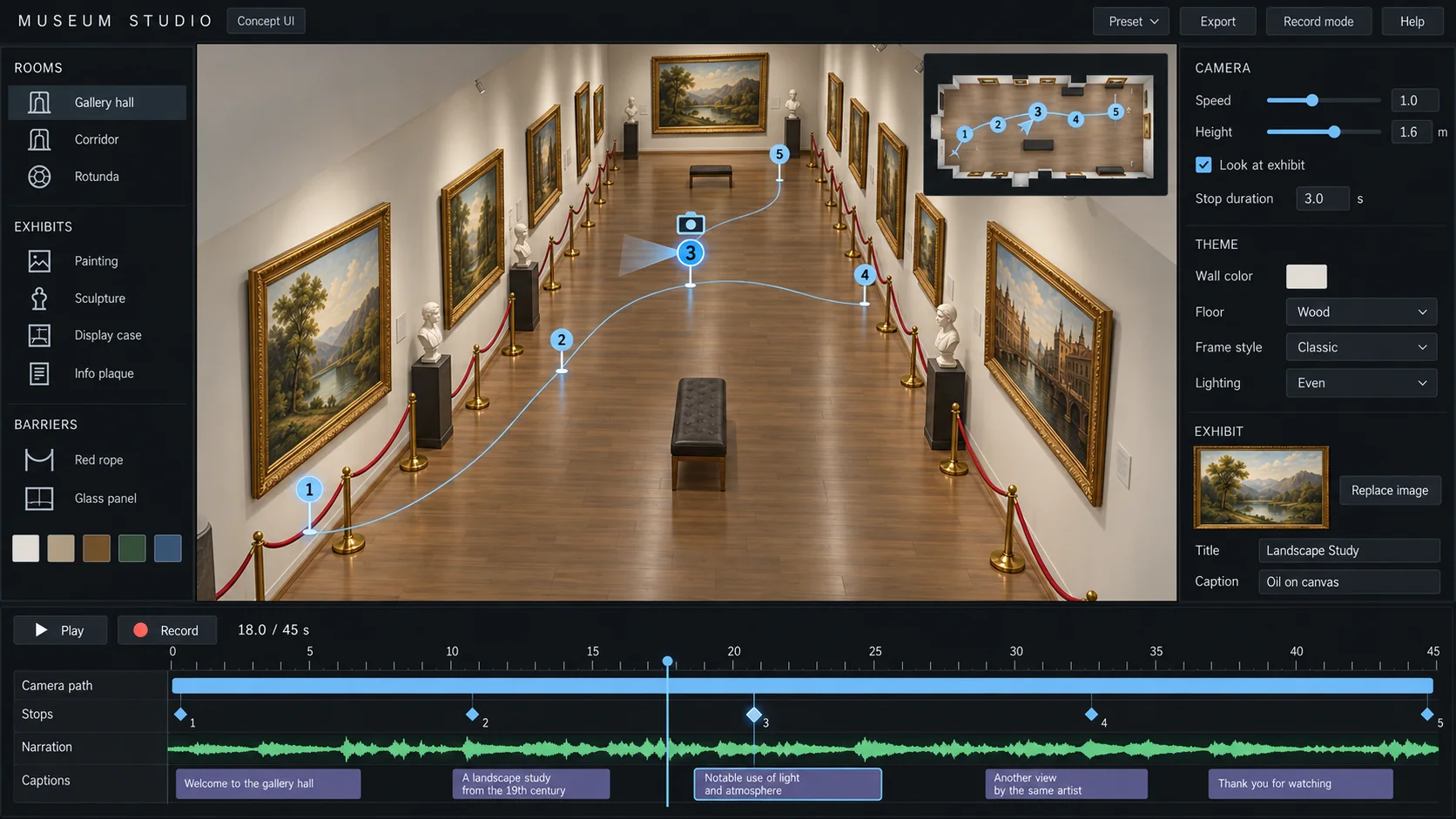
YOUR PACE
Build the flow of your story with a camera route.
02How it works
Videos live on their visuals, and most of them are rebuilt by hand, keyframe by keyframe, for every new video. A set is built once and used again and again.
Images, camera moves and labels are placed on a timeline, not animated by hand in an editor.
Light, colors and typography come from the set. Your work looks like one channel, not fifty separate edits.
Moving cameras and real spaces make a scene feel lived in, instead of a still image with a zoom.
Paste a script from anywhere: your own, a writer's, or any tool you already use.
Each part of your script becomes a scene on the set. AI-assisted suggestions help, you decide.
Swap an image, move a stop, change the timing. You stay the director.
Render the scene as 4K video, ready for your edit.
03AI-assisted
The visuals in Feni come from a curated library and from your own images. The AI works on planning: it reads your script and helps you put the right visual in the right place.
It reads your script and suggests where each scene starts and what it should show.
For a name, a place or an event, it suggests images from the library and from open archives, each with its license shown.
When your narration changes, it helps move stops and timings so the scene still lines up.
04What makes it different
Feni is not a one-click video generator. It gives you the stage, the visuals and the timing. You direct, and every decision stays yours.
Your script sits on the timeline. Click any word to attach a visual, drag it to change when it appears.
Upload your voiceover and every visual lands on the second its word is spoken. Change the voice, and everything re-aligns.
Hand-picked visuals that look good together, kept in the cloud and growing with every new set.
Save your colors, fonts and visual choices once. Every new video opens with your kit, on any computer.
Bring your scenes into Premiere Pro or DaVinci Resolve as video, transparent layers or project files.
Before you export: a part of your script with no visual, a camera that has not moved in a while, a date that does not match.
Tell it what you want to explain. It researches the sources and drafts a script, with every claim linked to its source.
Illustrators and 3D artists will be able to add their own work to the library and share in what it earns.
05More sets
Every set works the same way: tools on the left, the stage in the middle, settings on the right, a timeline below. The set library is just getting started and will grow over time.
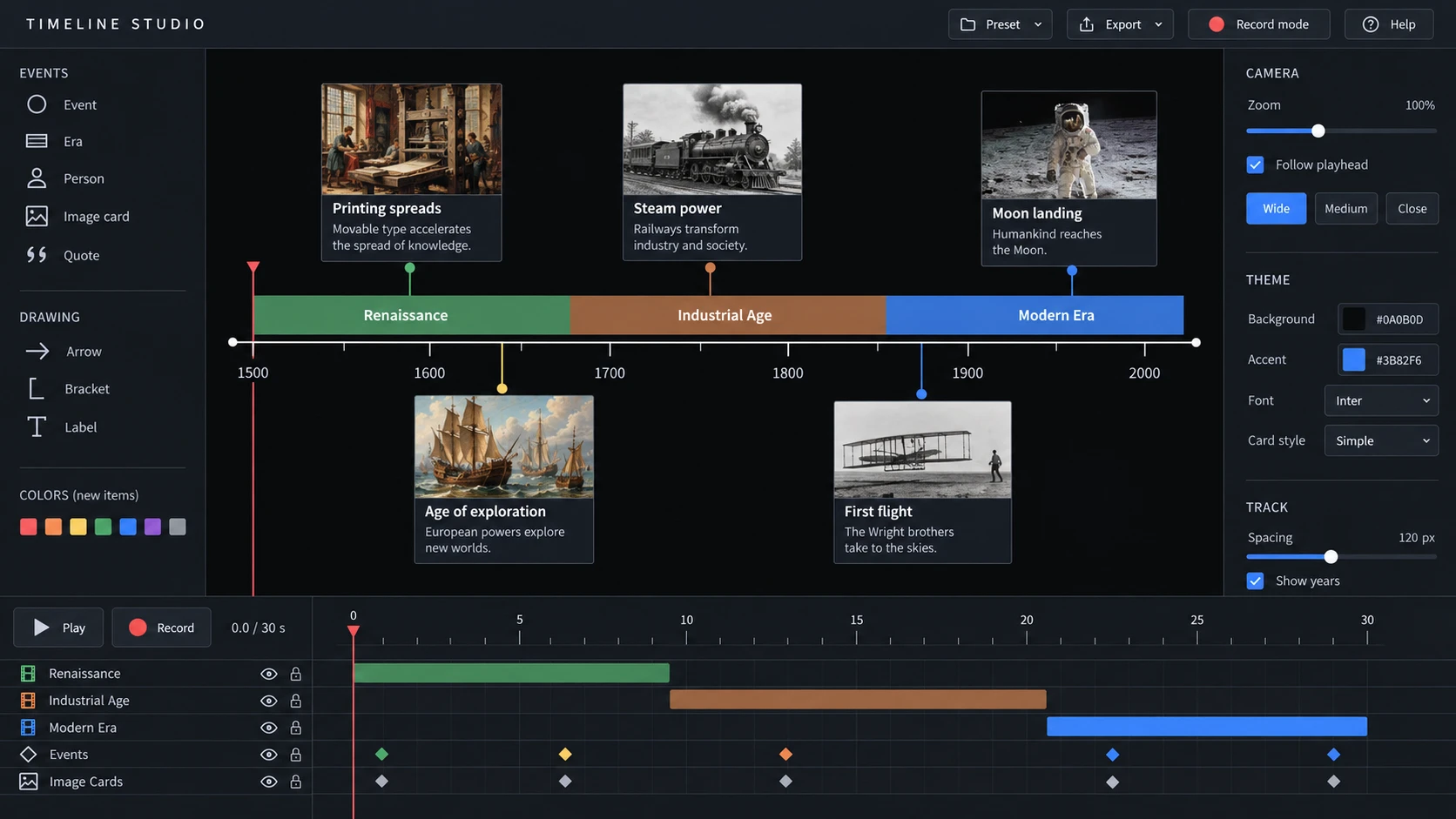
Eras, events and people on one moving timeline, with your own colors and image cards.
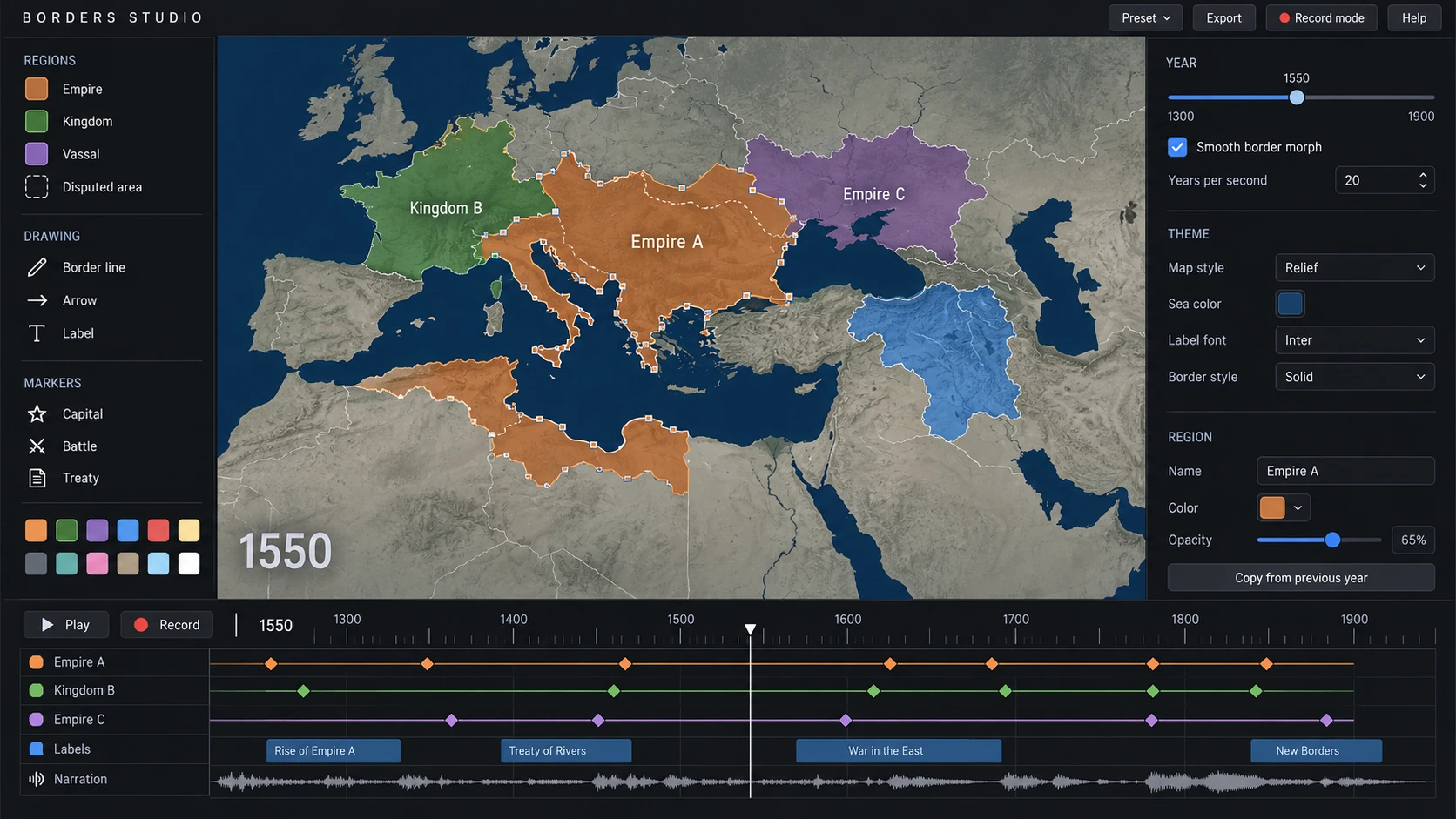
Regions that change year by year on the same map, with smooth border changes.
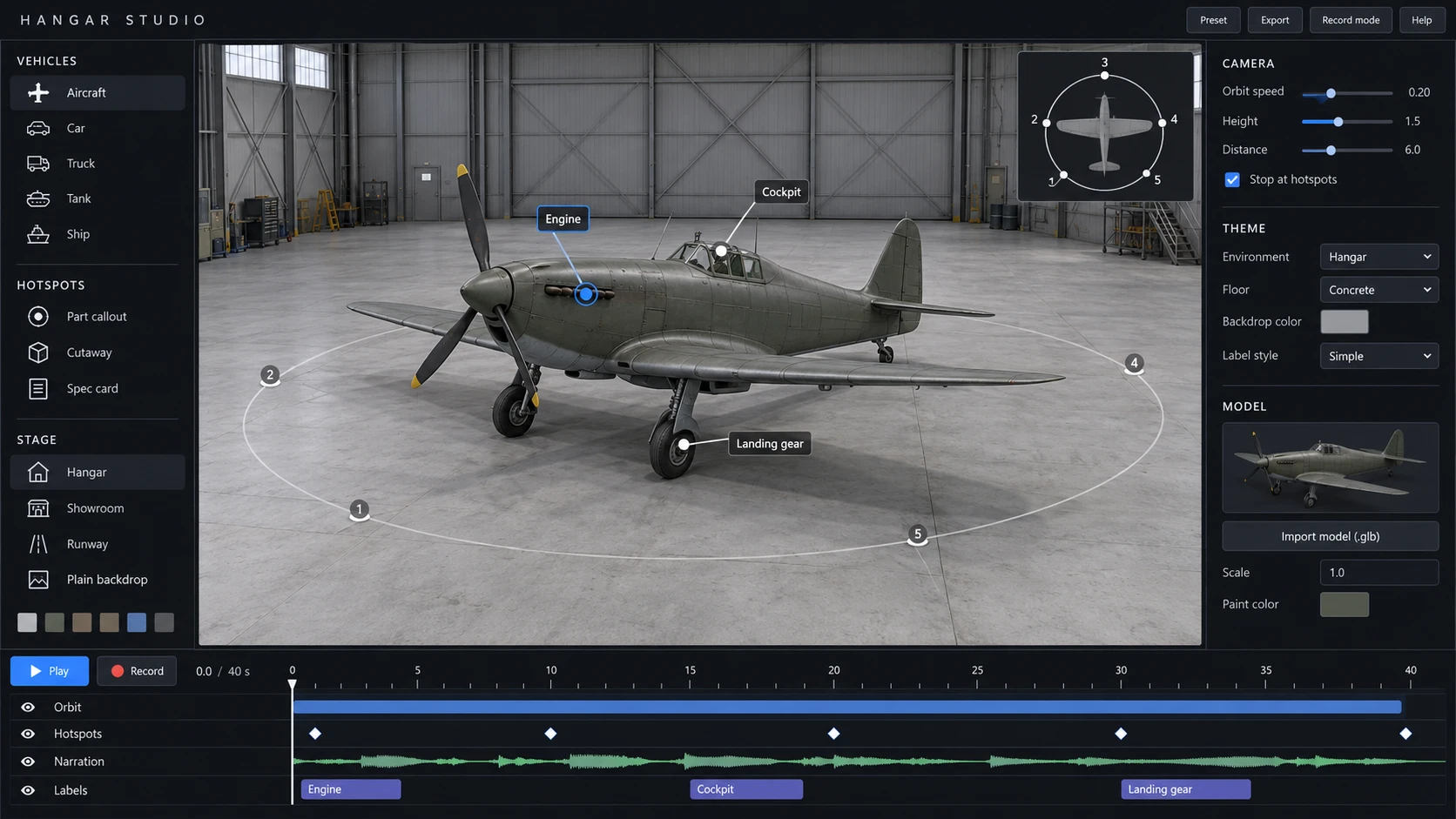
An aircraft, car or ship in a hangar. The camera circles it and stops at each part.
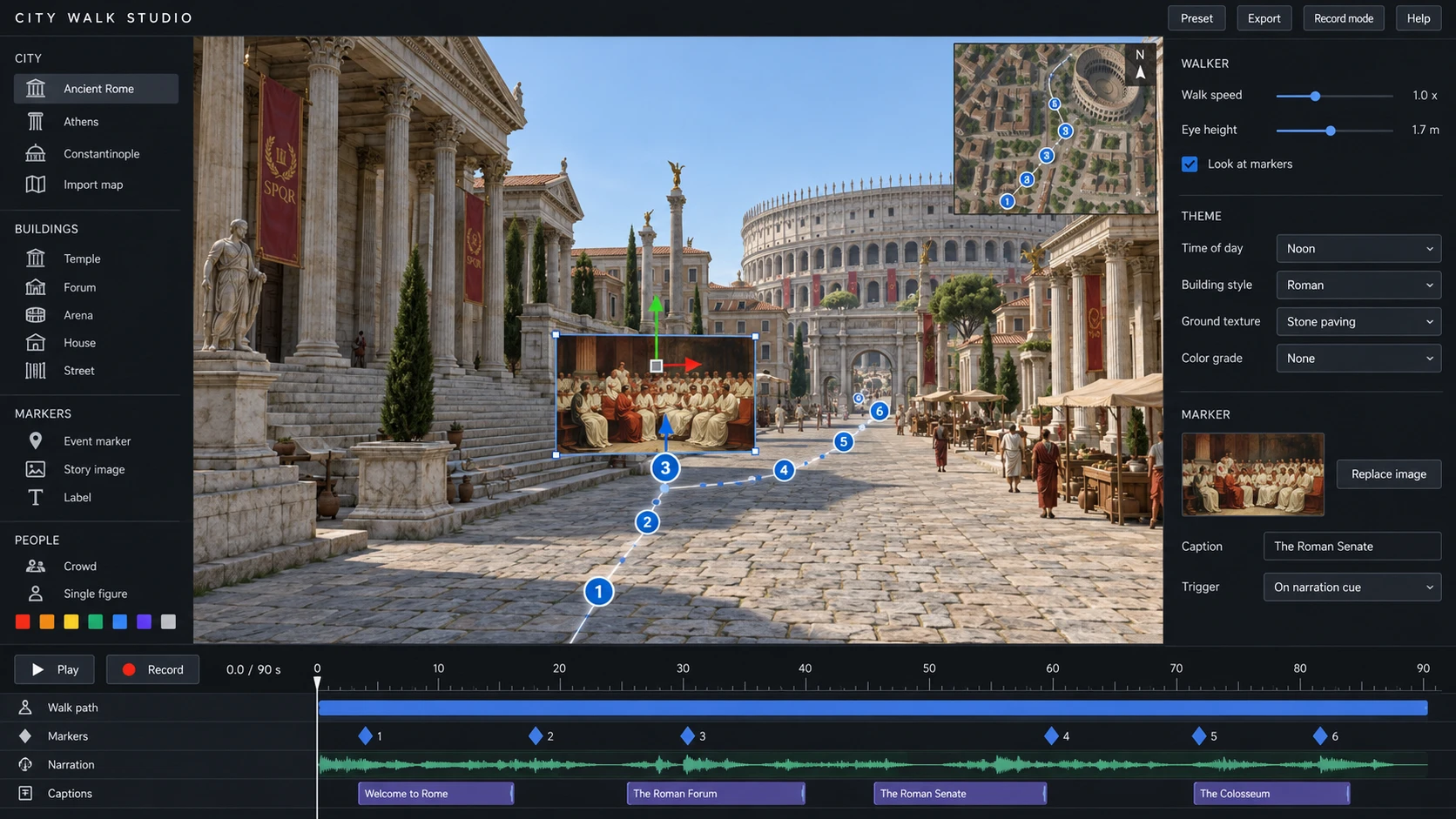
Walk through a city, with the places in your story appearing along the route.
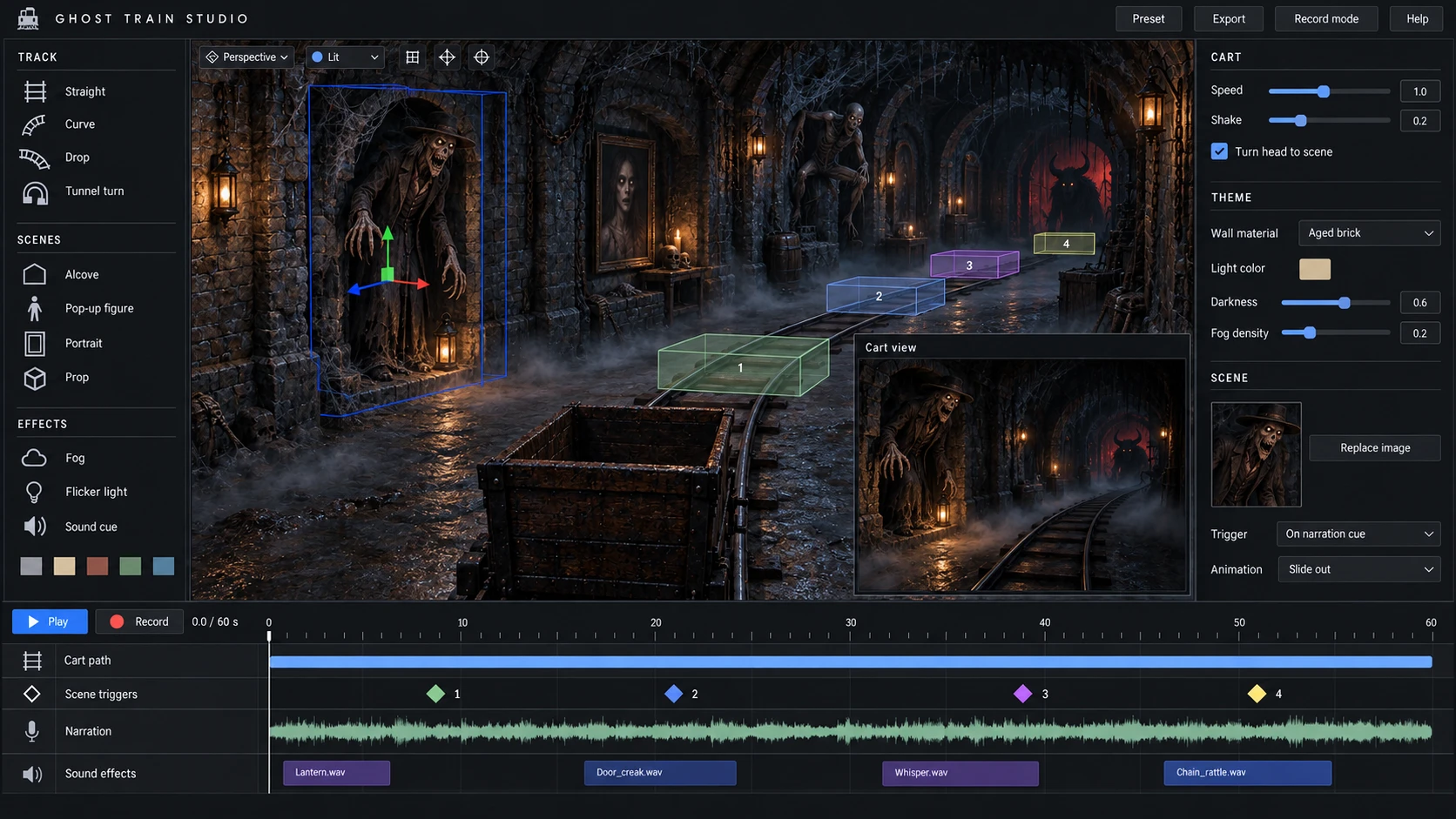
A ride on rails through a dark tunnel, with scenes triggered by your narration.
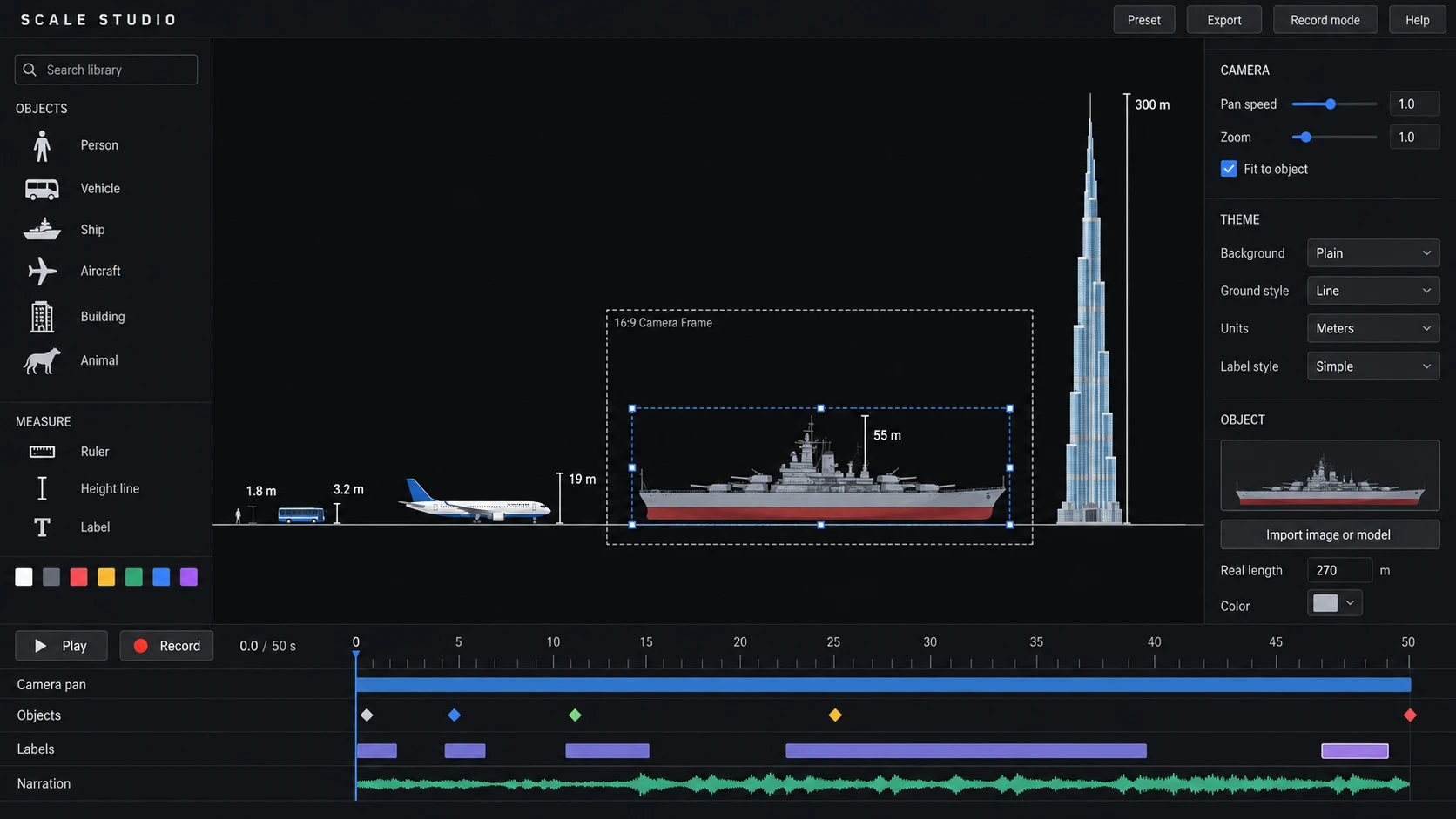
Anything side by side at true scale, with one long camera move.
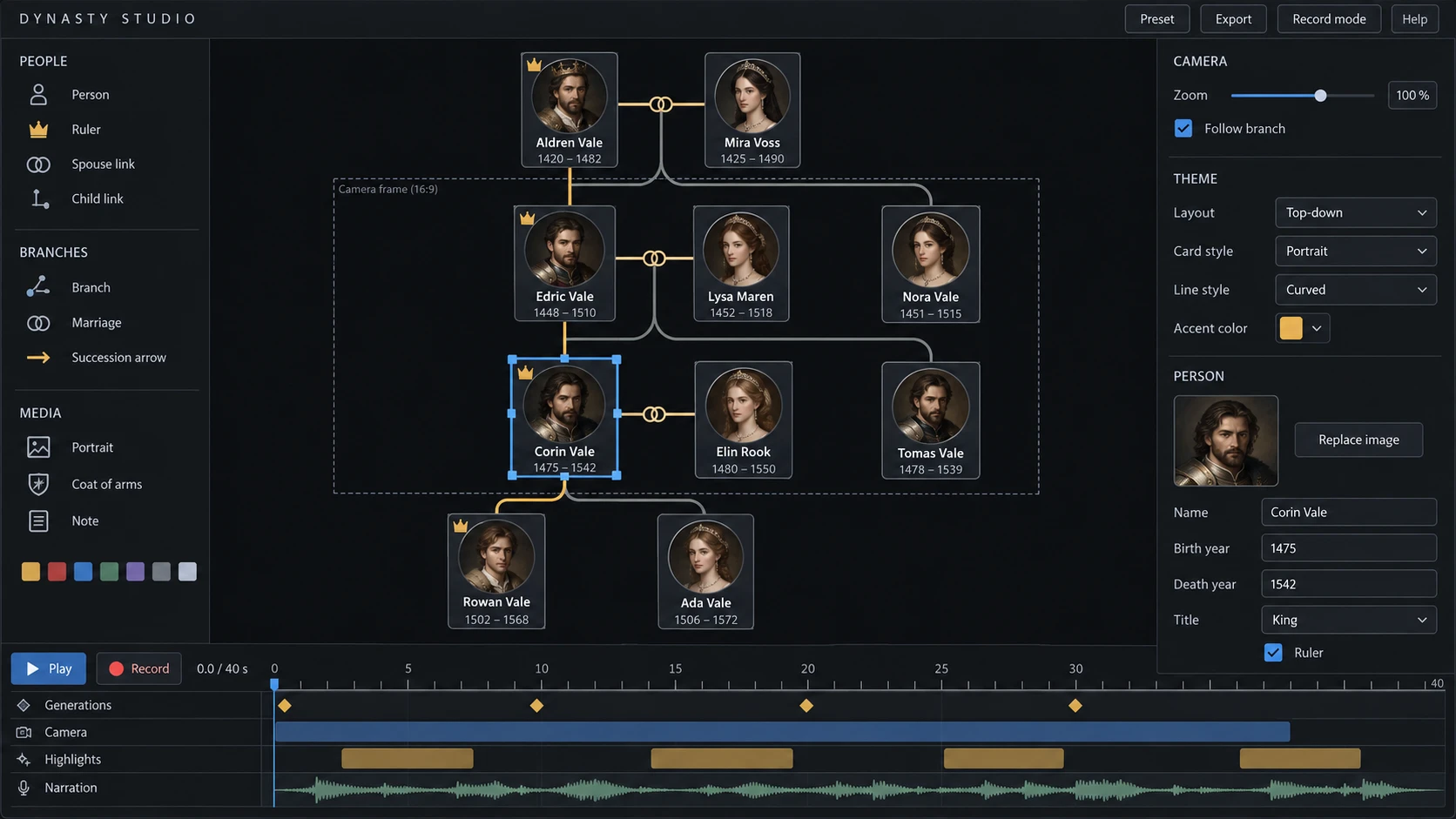
Family trees that grow generation by generation, with portraits and titles.
06Use it anywhere
Whole videos built on a set, with or without a face on camera.
Short scenes between the parts where you talk to the camera.
Posts and reels made from the same scenes.
Teachers explaining history, science and art on screen.
Maps, timelines and walkthroughs for longer stories.
07Contact
Tell us what you make and which set you would use first. We read every message.
info@fenistudio.com